
Coming Soon 1Q 2027
semaiERP
Implementing Odoo ERP, Integration with Other Systems, Customization
semaiERP implements Odoo ERP, integrates it with the systems a company already runs, and customizes it where the standard apps stop. Every app is a module on one database, so a sale, a stock move and an invoice are rows in the same place. The work goes into the edges: the other systems, and the gap between how the company works and what the standard apps do.
For the complete view, open this on a laptop, PC or tablet.
What semaiERP Does
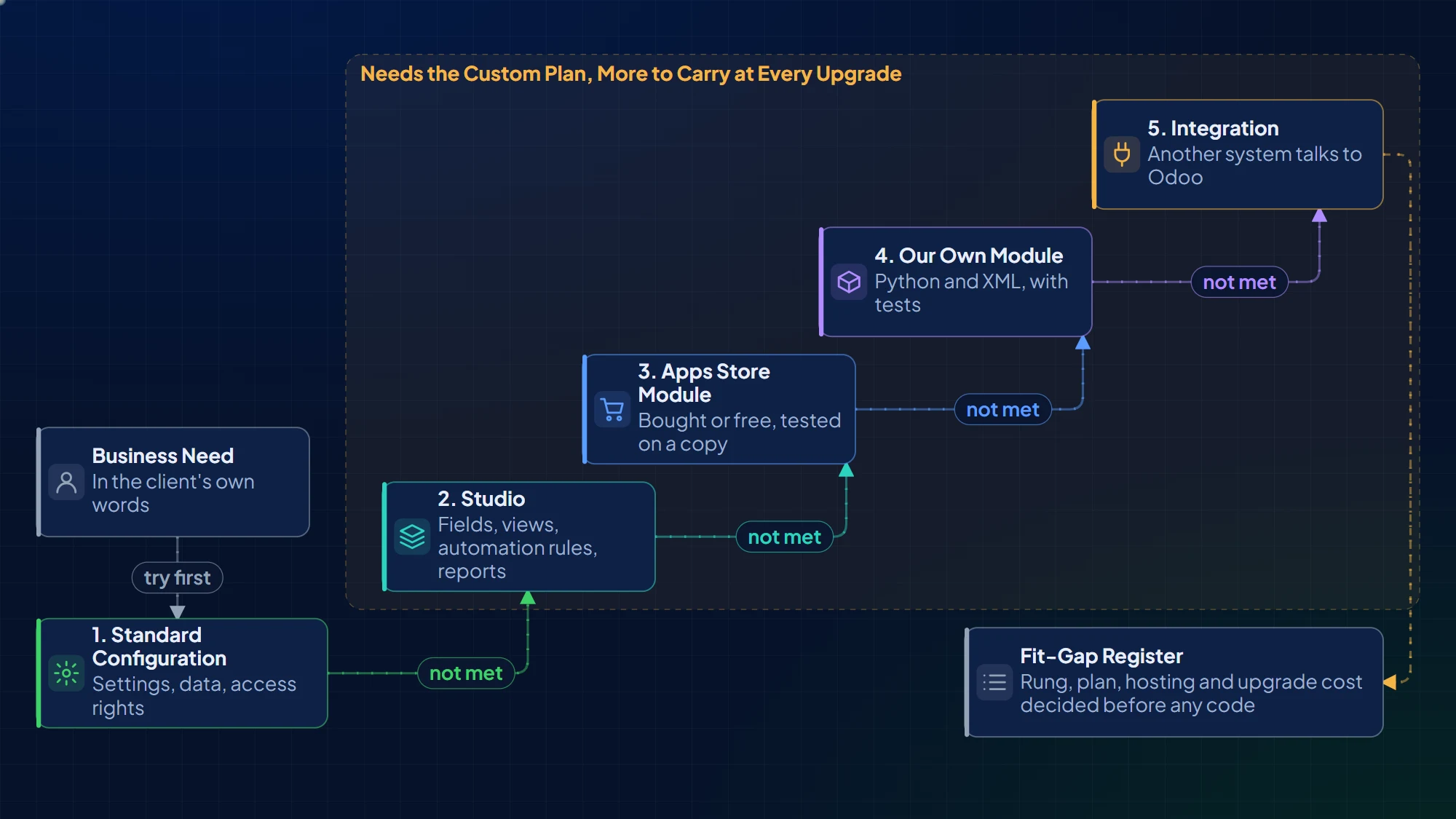
For each client need, we try the lowest rung first: configure, then Studio, then a module, then an integration.
Implementing Odoo ERP
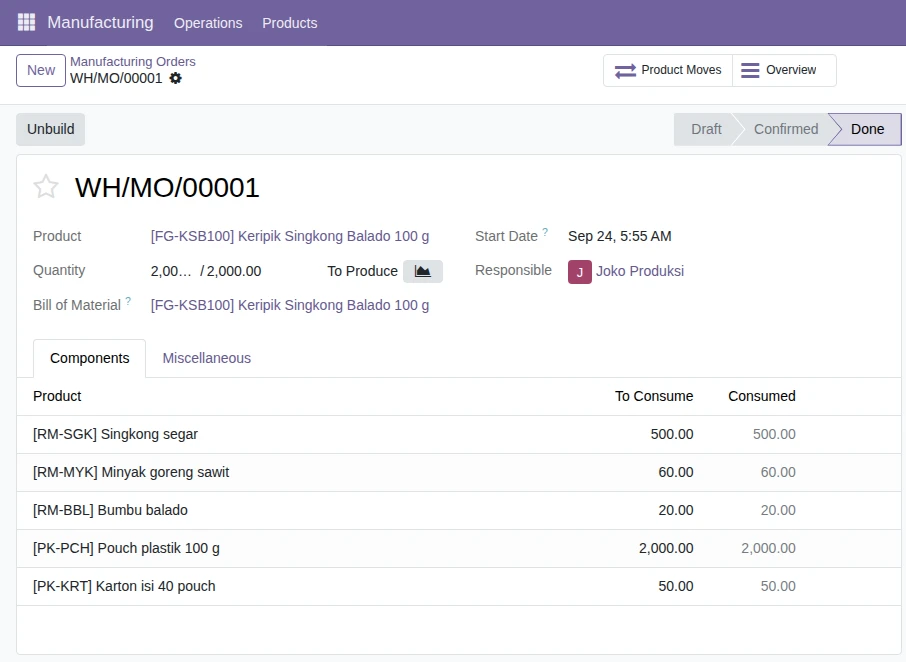
Sales, purchase, inventory, manufacturing and accounting, configured to how the company works, in short phases with one decision-maker on the client side.
Fit-Gap First
Each business need is mapped to a standard feature. Every gap is a cost the client chooses, priced before anyone writes code.
Data Migration
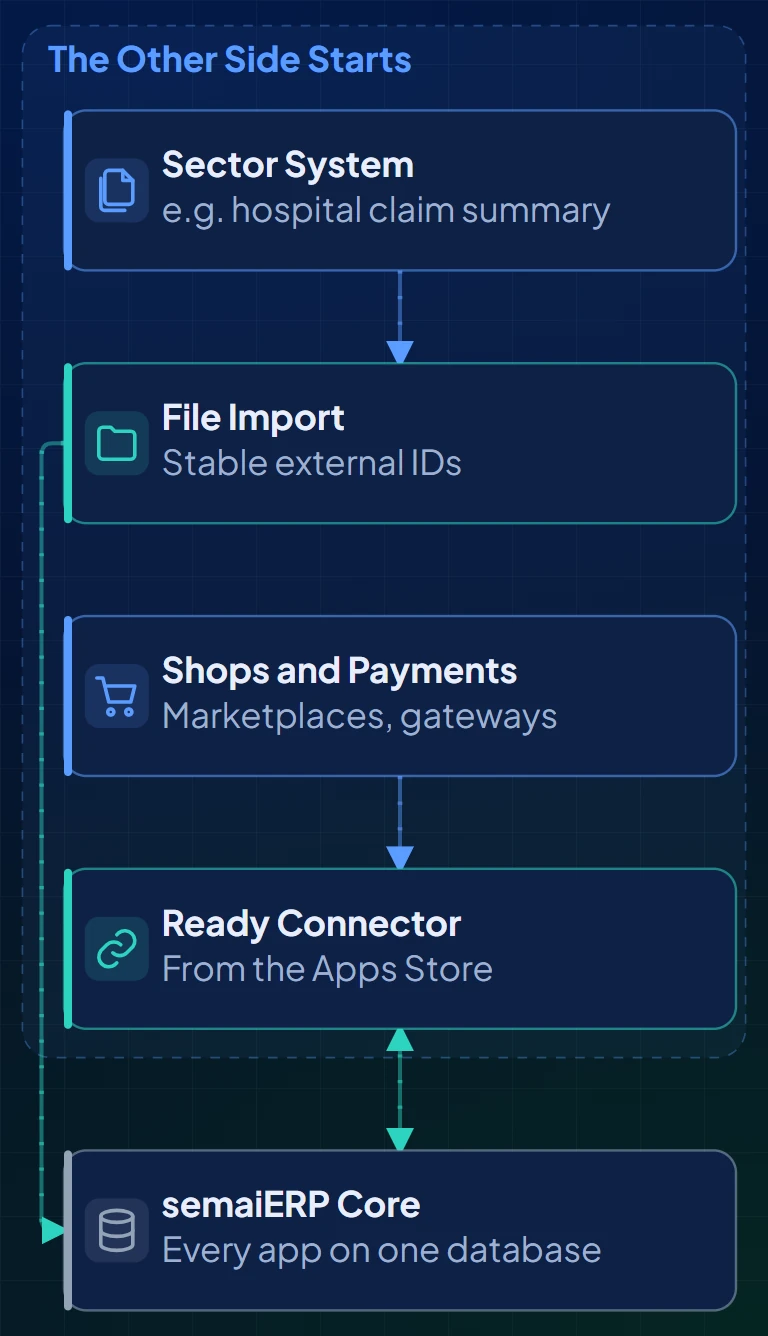
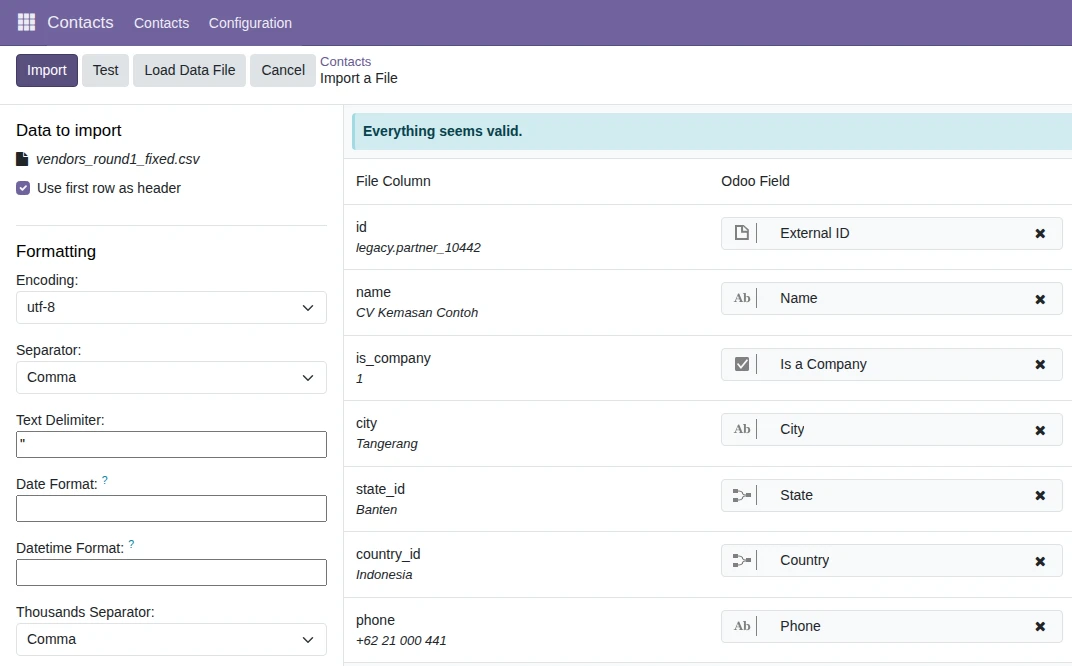
Legacy data loads parents before children, with external IDs that stay stable, so the second and third rounds update instead of duplicating.
Integration with Other Systems
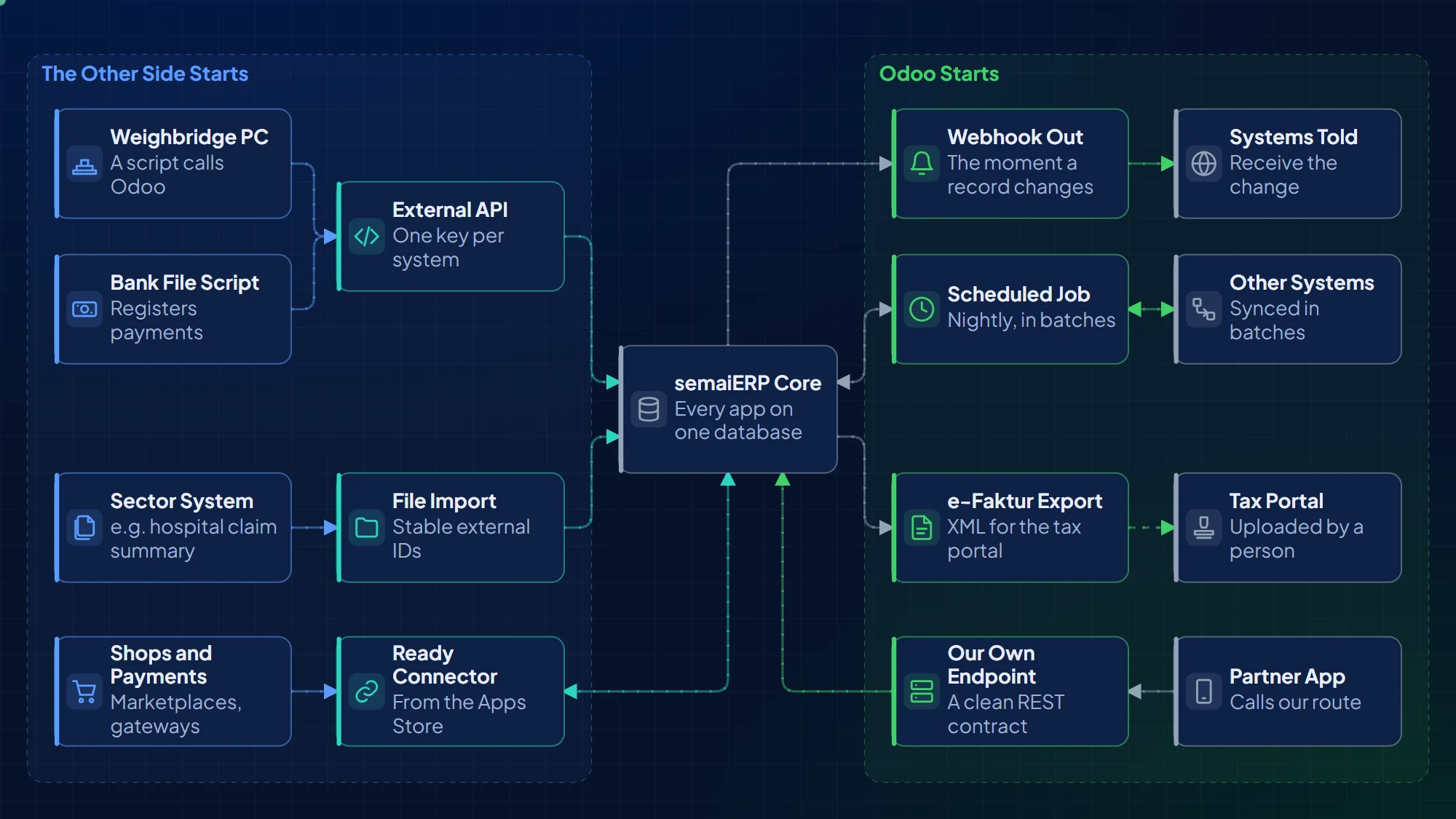
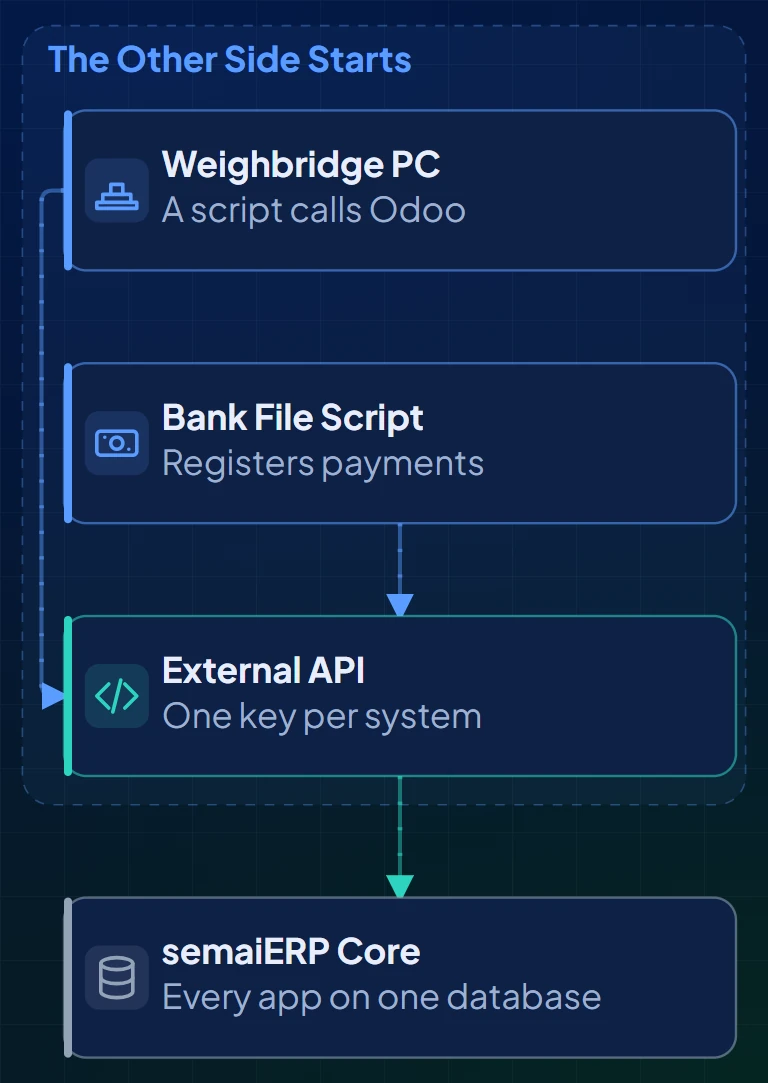
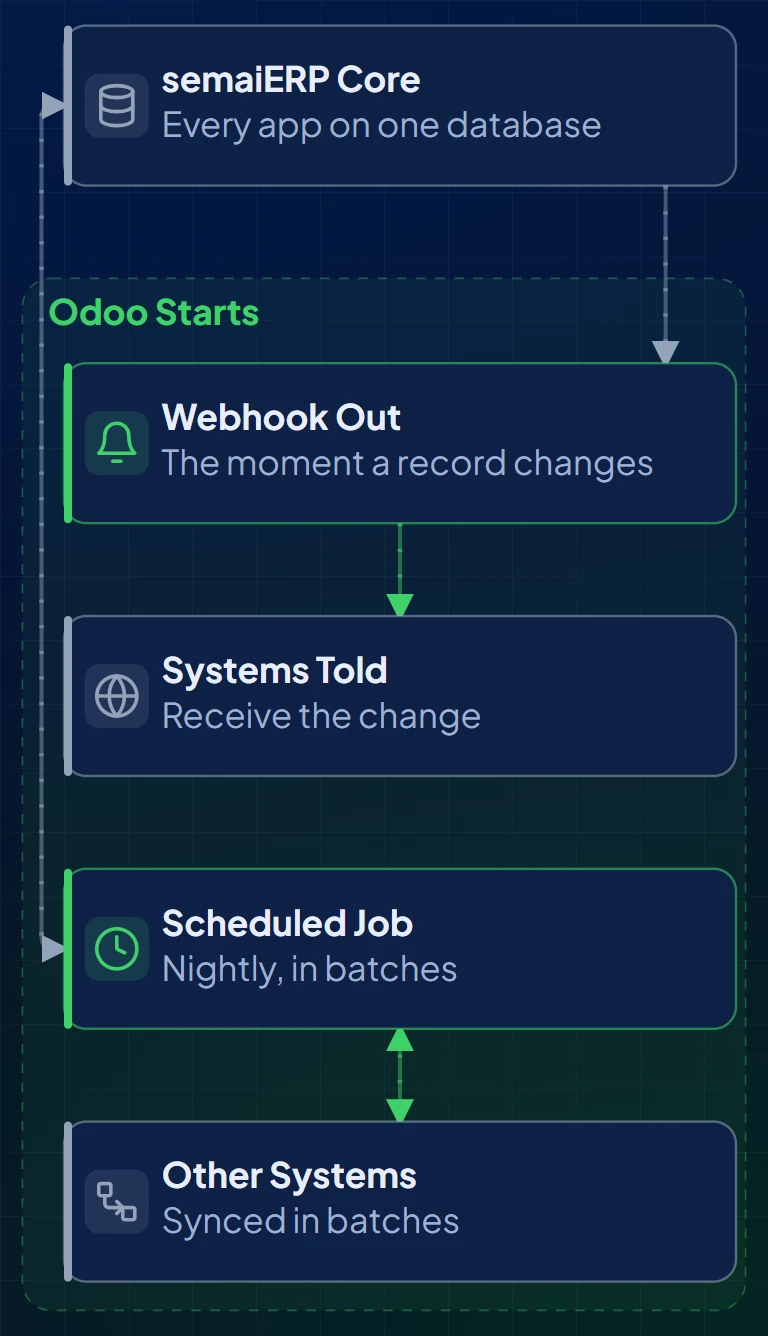
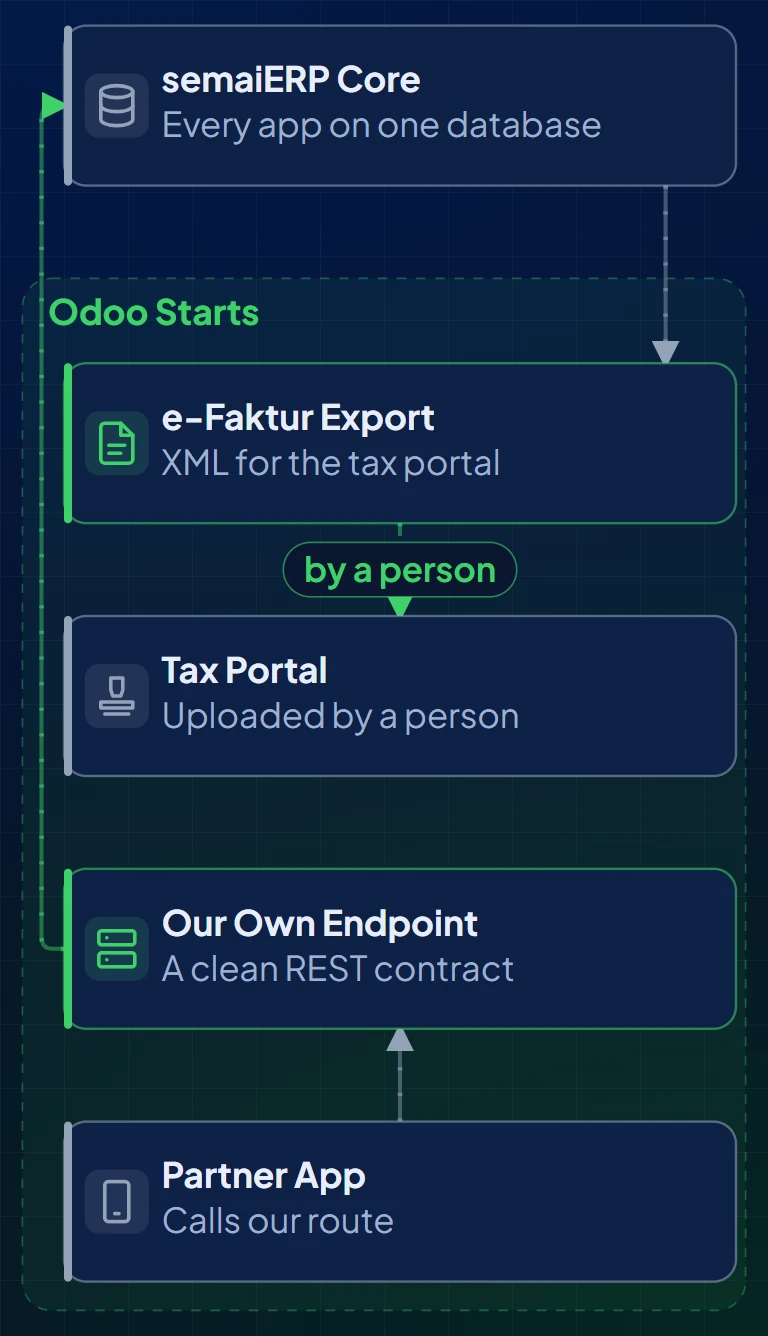
External API, webhooks, scheduled jobs and file imports connect banks, plant systems, marketplaces and sector systems.
Customization
Studio for a few fields and views; our own tested modules for real logic, built by inheritance so they move to each new version.
Indonesia and Government Clients
Indonesian chart of accounts, the e-Faktur file for Coretax, PPN and PPh 22 set and run, and data kept where the rules require.
Why semaiERP
Odoo's own method guide warns that custom development becomes technical debt the customer pays for in later maintenance and upgrades, and that a project's complexity grows with every customization. semaiERP is built to keep that debt small.
Lowest Rung First
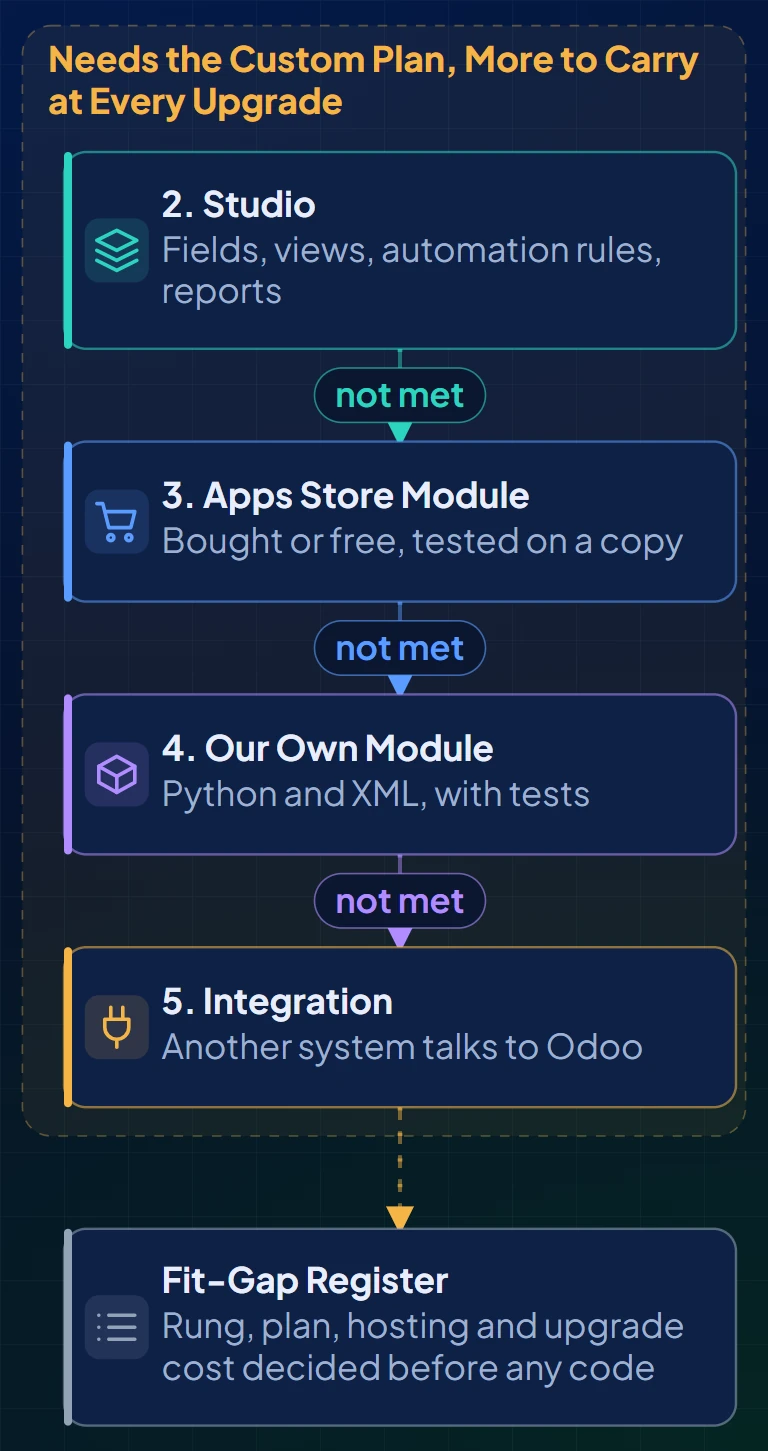
Configuration covers most needs. Studio, a module and an integration each add cost and upgrade work, so we climb only when the need requires it.
Settled Before Code
Plan, hosting and upgrade cost are written into the fit-gap register in the first workshop, so a quote does not double later when an integration appears.
Rules Built In
Tax, personal data protection and where a government client's data may live are part of the design, checked against the current rules during implementation.
How semaiERP Works
Each need from the kick-off goes down the decision ladder until something meets it: standard configuration, Studio, an Apps Store module, our own module, then an integration. The rung decides plan, hosting and upgrade cost.
Solution Architecture Overview
Who sends work in, what semaiERP holds, the systems it talks to, the documents that come out, and the questions still open, each marked with a ?.
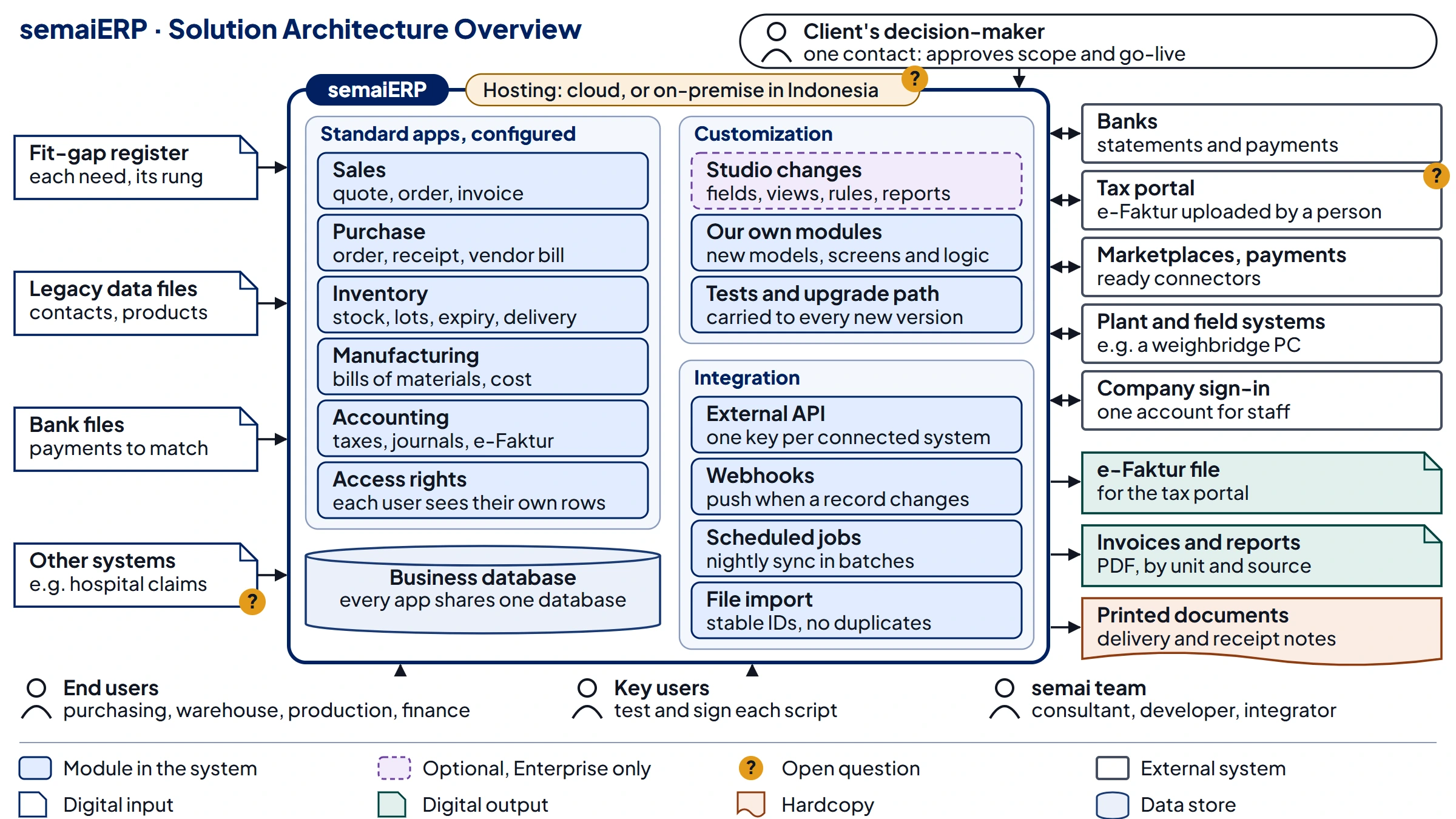
For the complete view, open this on a laptop, PC or tablet.
Integration with Other Systems
Pick the pattern by who starts the exchange and how fast the other side needs the data. Each connected system gets its own key and its own integration user.
Mockups
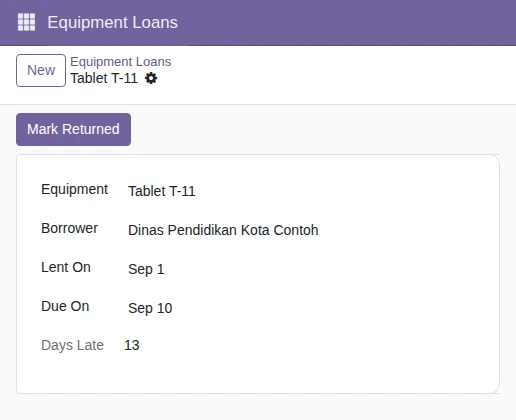
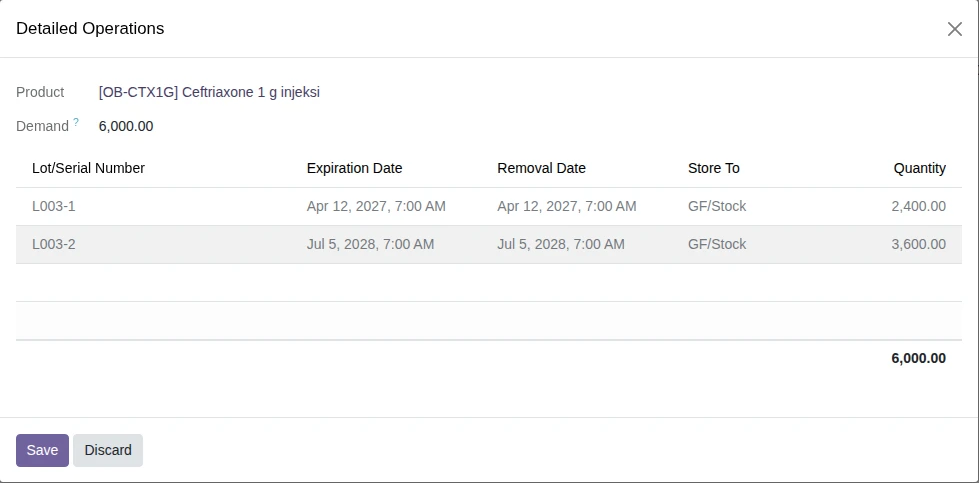
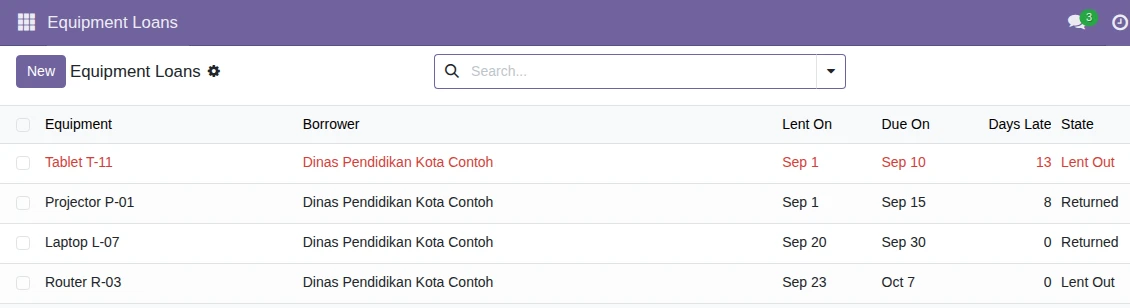
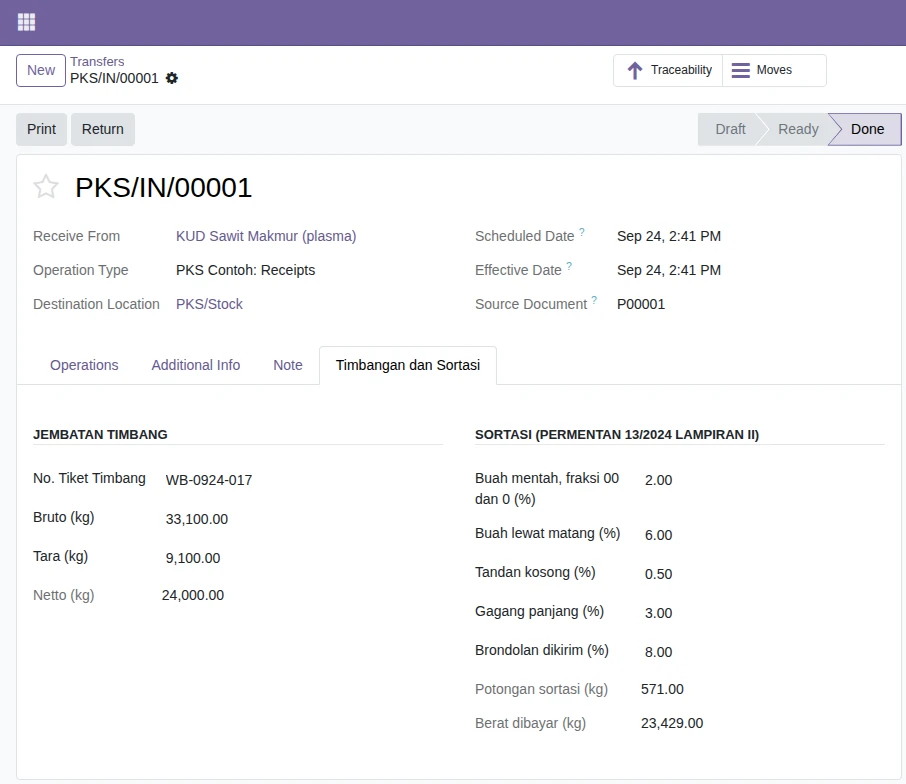
Real Odoo 19.0 screens from our sandbox runs, with example companies and data.
Let's Build #SmarterEnterprise
Start with: NDA & Joint Planning Workshop